GTA BOOM
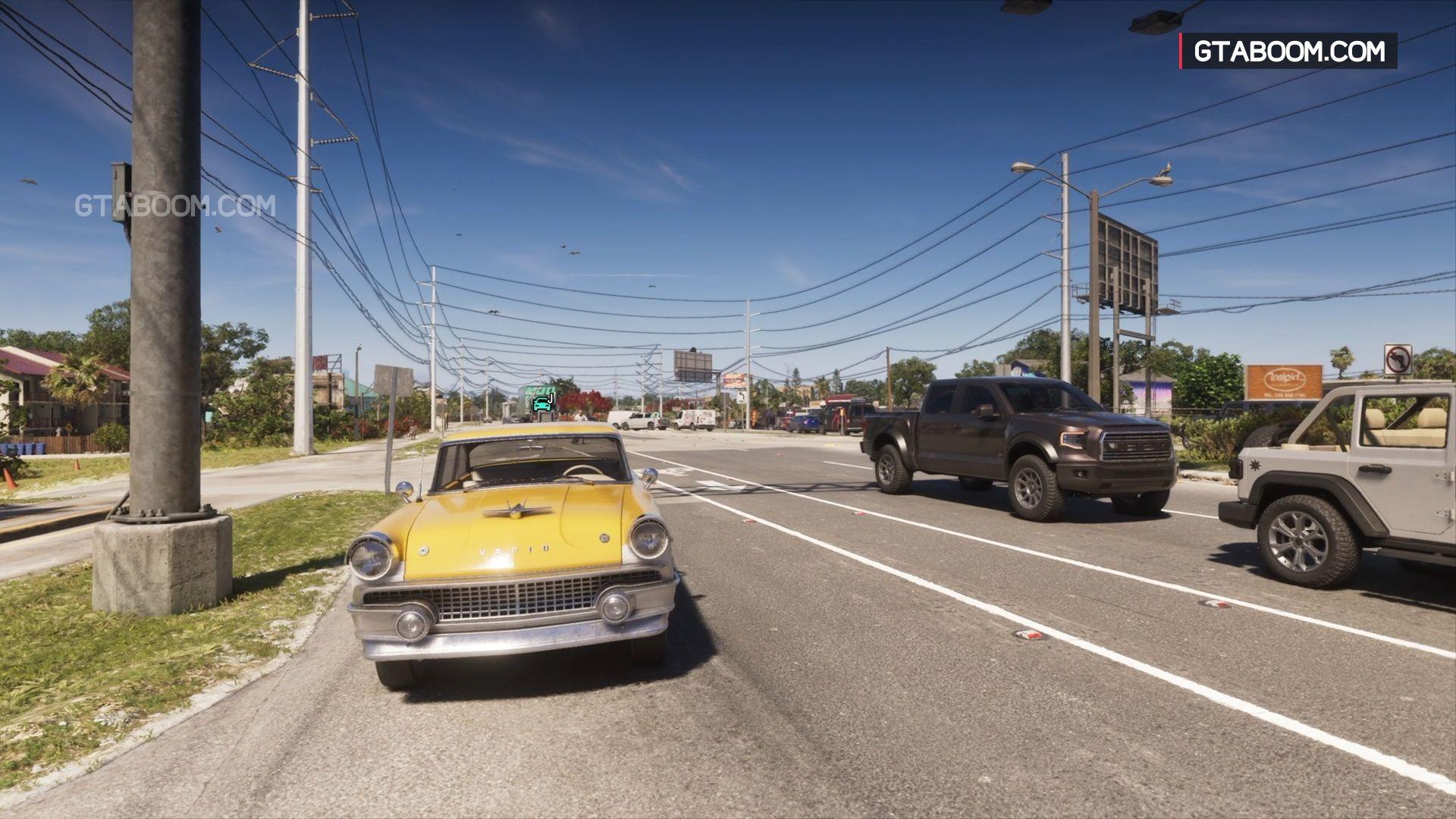
How to Play GTA 6 in First Person With the Camera Glitch
이미지: GTA BOOM
Make a manual save before trying the camera glitch in Grand Theft Auto VI: reloading is the most reliable way back to third person.
요약 및 이미지 출처: GTA BOOM. GTA6 Hunter는 원문 기사로 연결되며, 전체 기사는 해당 매체 사이트에 있습니다.
매체별 보도 내용 2 매체
GTA 6 may not have launched with the option to play it entirely in first-person, but where there’s a will, there’s a way. Players have already worked out how to switch from the default third-person perspective, and…
Make a manual save before trying the camera glitch in Grand Theft Auto VI: reloading is the most reliable way back to third person.
The road to GTA VI
- Trailer 1Leonida, Vice City and Lucia revealed
- Delay + Trailer 2Moved to May 26, 2026; Jason takes the spotlight
- Final delayLocked in for November 19, 2026
- LaunchPS5 & Xbox Series X|S
PS5 ✓Xbox Series X|S ✓PC – not announced
Official GTA VI images


