Guías
GTA 6 Launch Checklist: Preload, Storage and Best Settings
Launch day is not the time to be stuck on a download bar. Run through this checklist before November 19.
1. Preload
If you pre-ordered digitally, check your console's download queue. Leave the console in rest mode / energy-saving off so updates install overnight.

2. Clear storage
Rockstar's open worlds are huge – Red Dead Redemption 2 needed well over 100 GB. Clear generously and leave headroom for day-one patches.
3. Display settings
- Run your console's HDR calibration before first boot.
- Enable your TV's Game Mode to cut input lag.
- Pick performance vs. fidelity modes based on whether you value smoothness or detail – try both.

4. Your first hour
- Finish the opening missions before free-roaming – they often unlock core systems.
- Save often in a second slot.
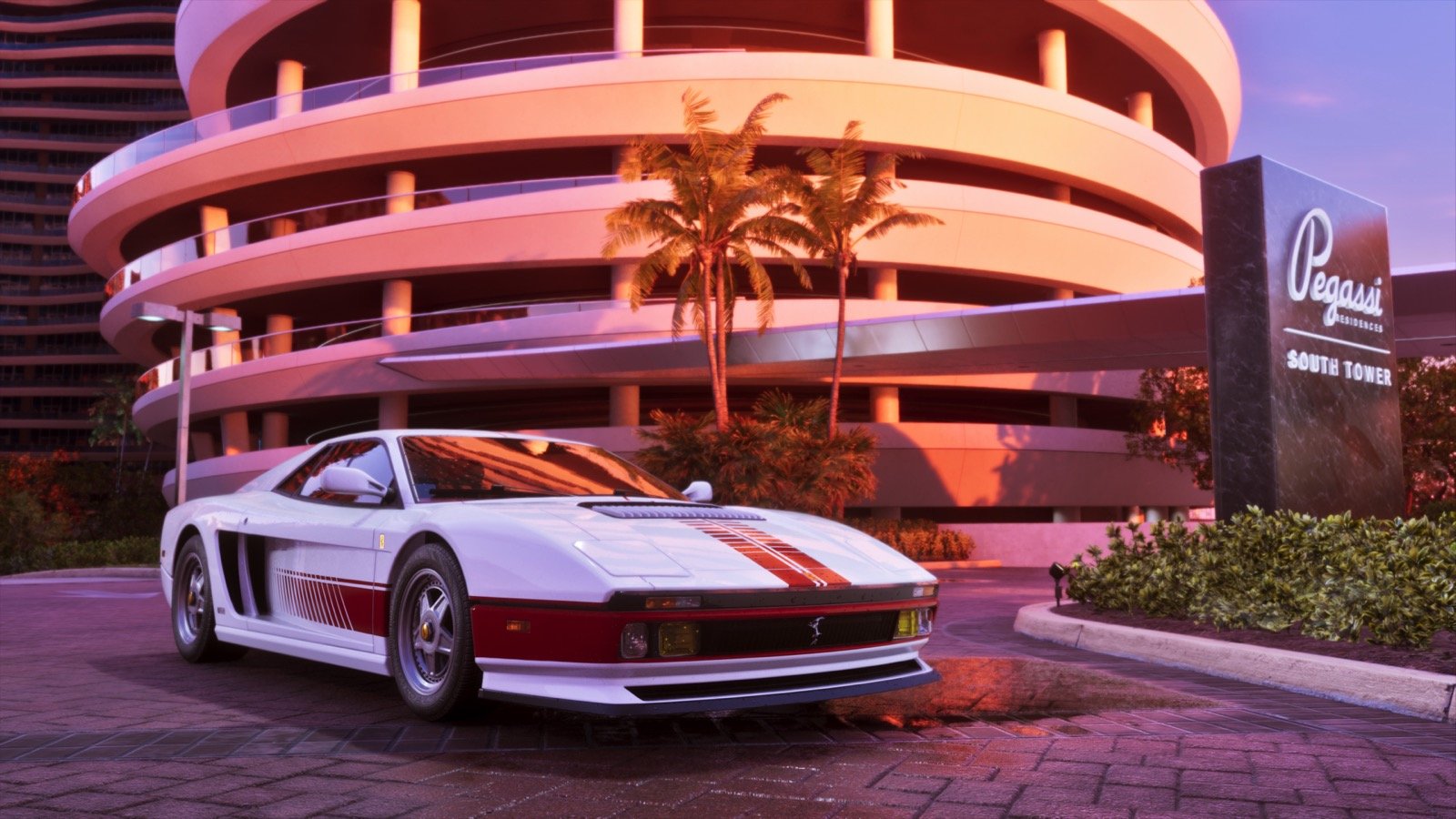
- Turn off the minimap for a drive across Vice City at sunset. Trust us.
The road to GTA VI
- Trailer 1Leonida, Vice City and Lucia revealed
- Delay + Trailer 2Moved to May 26, 2026; Jason takes the spotlight
- Final delayLocked in for November 19, 2026
- LaunchPS5 & Xbox Series X|S
PS5 ✓Xbox Series X|S ✓PC – not announced
Where it happens: the state of Leonida
- Mount Kalaga National ParkForests, trails and rivers in the north
- Port GellhornFaded Gulf Coast industrial town
- AmbrosiaSugar-cane fields and refineries
- GrassriversRockstar's Everglades – swamps and airboats
- Vice CityThe neon Miami-inspired heart of the map
- Leonida KeysIsland chain of bridges and beach towns
Illustrative layout based on Rockstar's revealed regions and their real-world inspirations – not the in-game map.
Official GTA VI images


